Deep Dive: What's New in Renku 2.0
· 2 min read

Are you a seasoned Renku user who is curious to know the key differences between Renku 1.0 and 2.0? Here's a summary of what's new.
Are you a seasoned Renku user who is curious to know the key differences between Renku 1.0 and 2.0? Here's a summary of what's new.
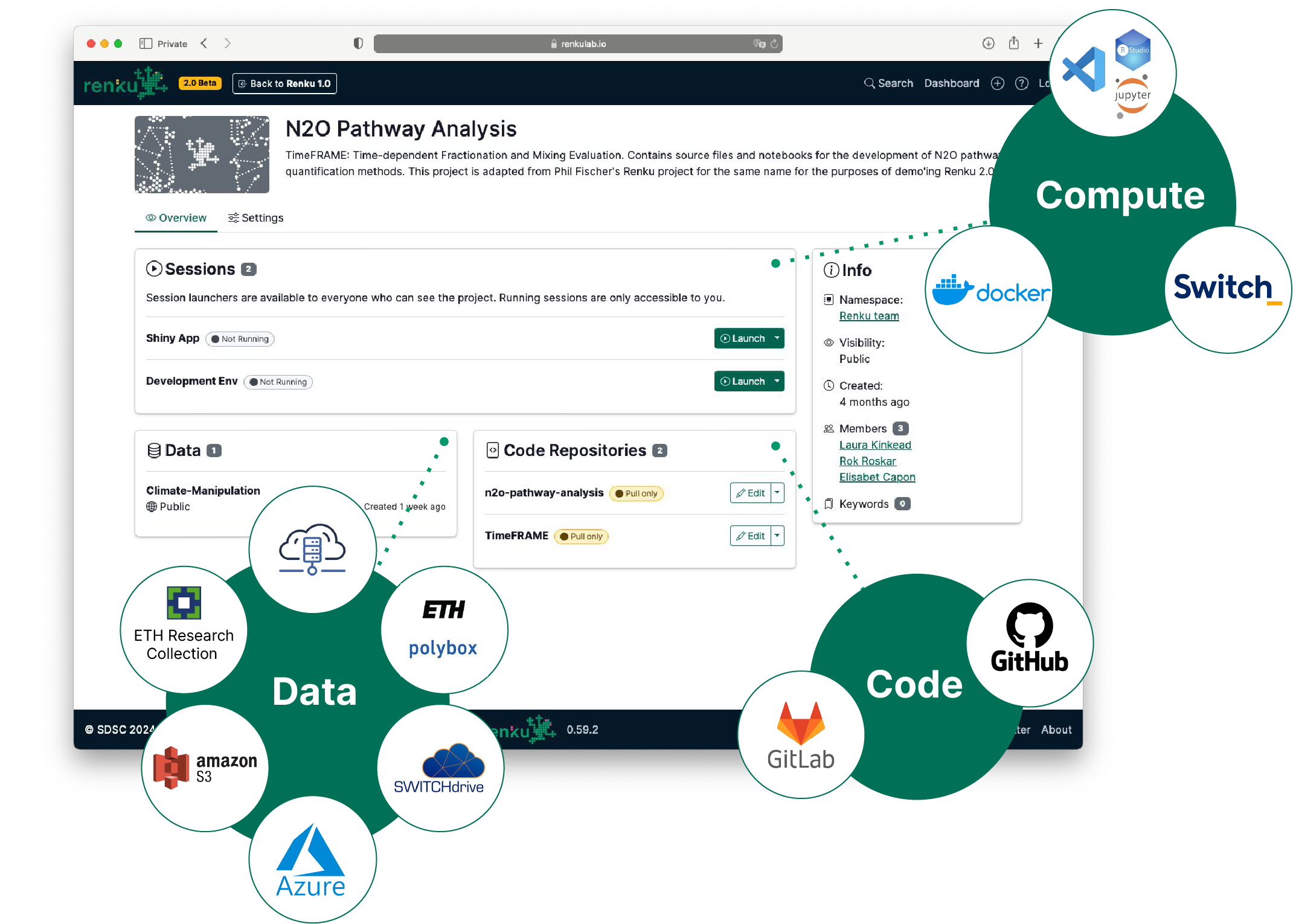
We’ve been busy behind the scenes, and now it’s time to share some of the exciting updates we’ve rolled out over our last few releases. These features are part of the Renku 2.0 beta, designed to to empower collaboration and make it easier to connect and share data, code, and compute resources. Here’s a quick tour of what’s new.



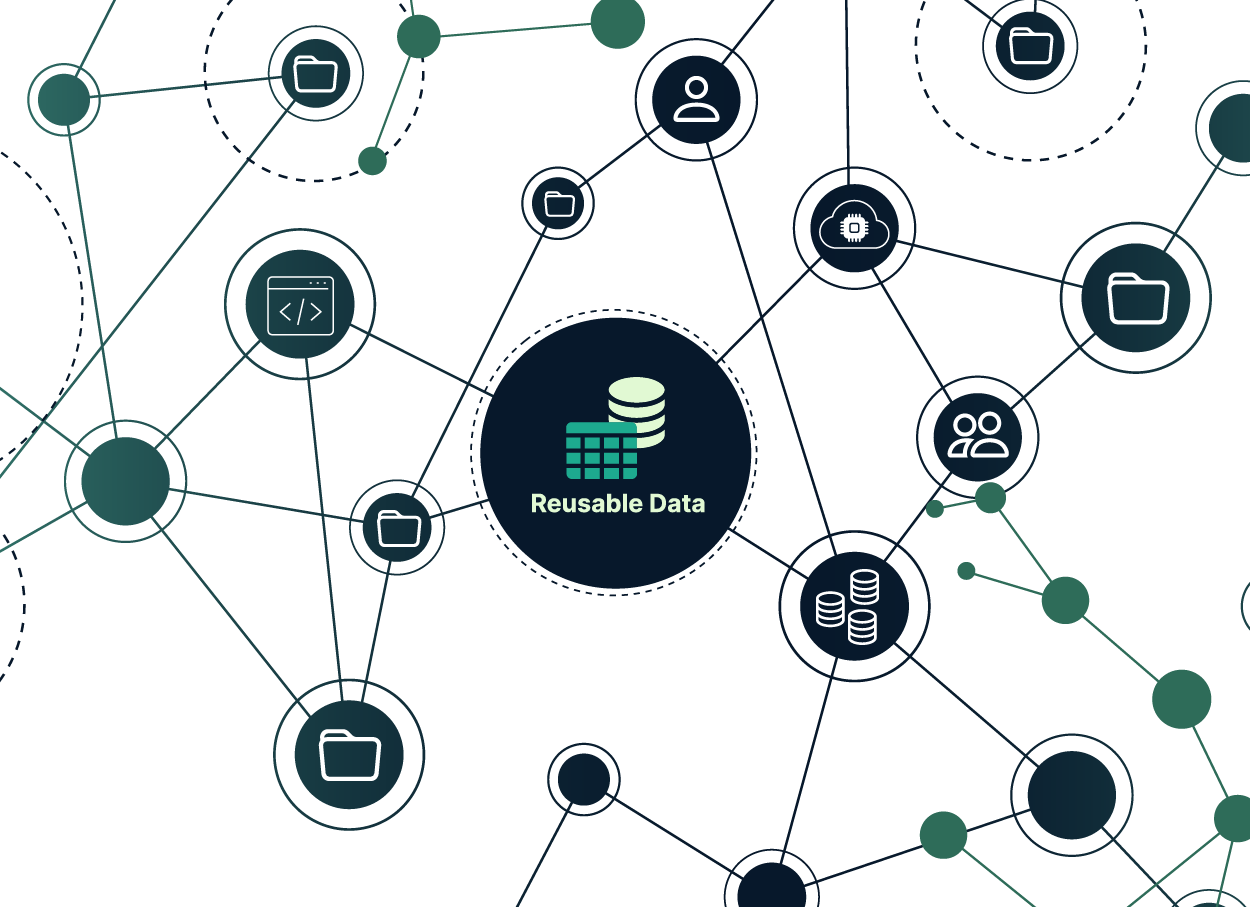
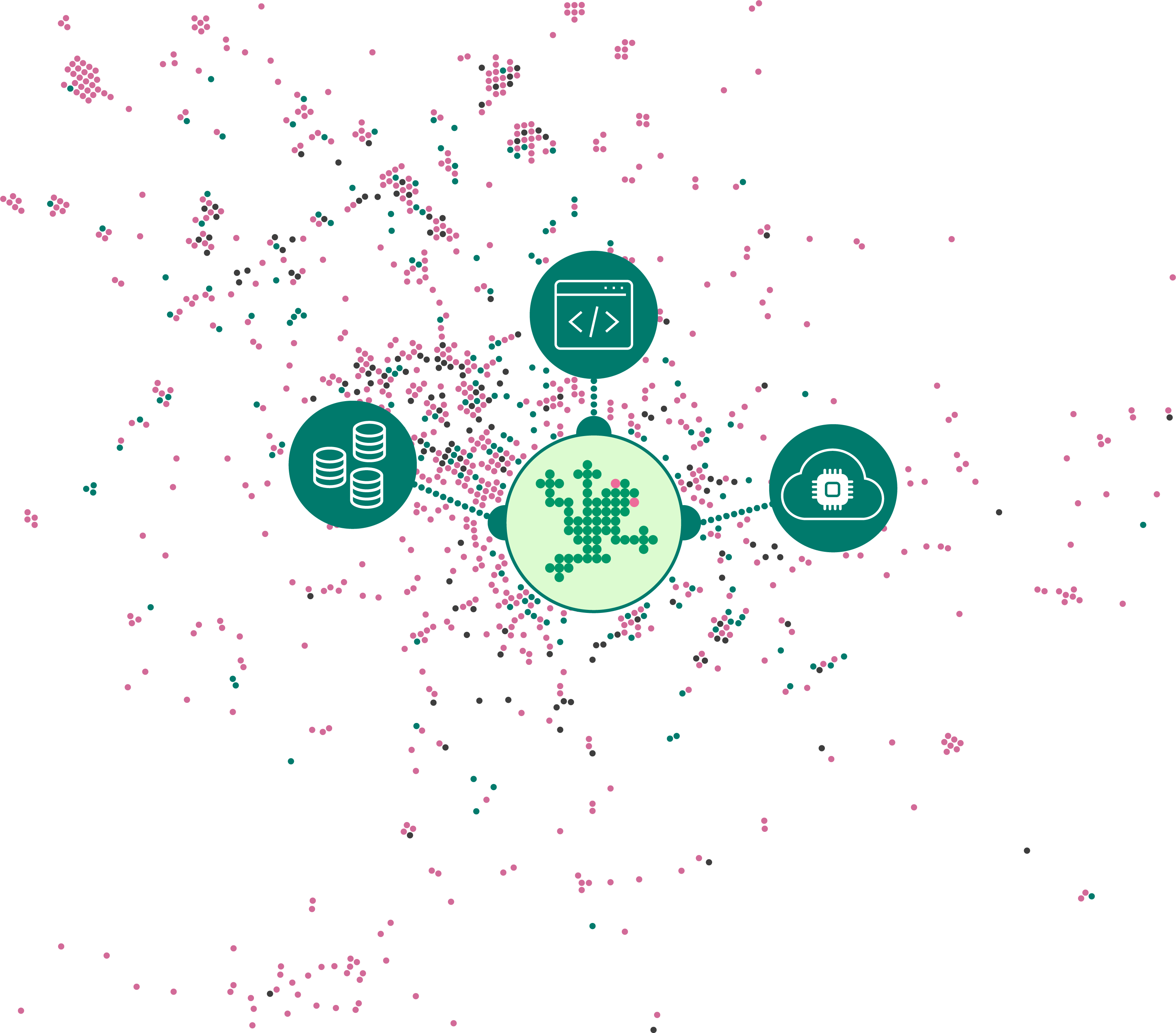
Renku has evolved considerably over the past several years; from our strong initial focus on computational reproducibility to our current goals of building connections within and across communities. As we engaged with various research communities, we understood that one of the main struggles researchers face in collaborative projects is consolidating a scattered collection of resources across various providers, tools, and technologies.

Join us in Bern to meet other Renku users and learn how they leverage Renku for data science, research, and teaching. We will share updates about the upcoming new version of Renku, Renku 2.0, and the features prioritised for the second half of 2024. In addition, we will discuss the open Call for Collaborative Projects and describe how you can get involved. You are also invited to voice your challenges in an open discussion about collaborative open research, and to bring your suggestions for new Renku features.
When: June 27th from 13:00 CET until 17:00 CET
Where: University of Bern and Zoom
13:00-13:15 Welcome and Introduction
13:15-14:00 Renku 2.0 Update: Milestones, Demo & Roadmap, Call for collaborative projects
14:00-14:15 Break
14:15-15:15 Renku in the Wild: User Presentations from Research & Teaching
Reproducible Data Acquisition and Processing in X-ray Imaging Research
Michał Rawlik, Scientist at the Institute for Biomedical Engineering at ETH Zürich
How Renku can help us to detect natural hazards: A case study from environmental seismology
Patrick Paitz, Postdoc at Swiss Federal Institute for Forest, Snow and Landscape Research (WSL)
Teaching with Renku: A Co-Evolution
Noe Leon Thalheim, Tech Lead, "Grundkurs Programmieren" at Berner Fachhochschule (BFH)
Renku in astronomy
Volodymyr Savchenko, Senior Data Scientist & Lecturer at École Polytechnique Fédérale de Lausanne (EPFL)
15:15-15:30 Break
15:30-16:30 Open Discussion: Challenges in Collaborative Open Research projects
16:30-17:00 Networking and Refreshments

Working with your data in Renku is faster and simpler: you can write and read your data from your external storage services, such as S3, Azure Blob or WebDAV among others.
RenkuLab interactive sessions can access data hosted in a cloud storage system, and the storage is simply mounted as another folder in your session. You can concentrate on developing your code to analyse your data, rather than worrying about moving data around! Plus, when you add a cloud storage to your project, that configuration is available to all project members, so you can share the results with your colleagues or even with the broader community. Who has access is still completely in your control: the access to cloud storage is controlled by the storage provider, not Renku.
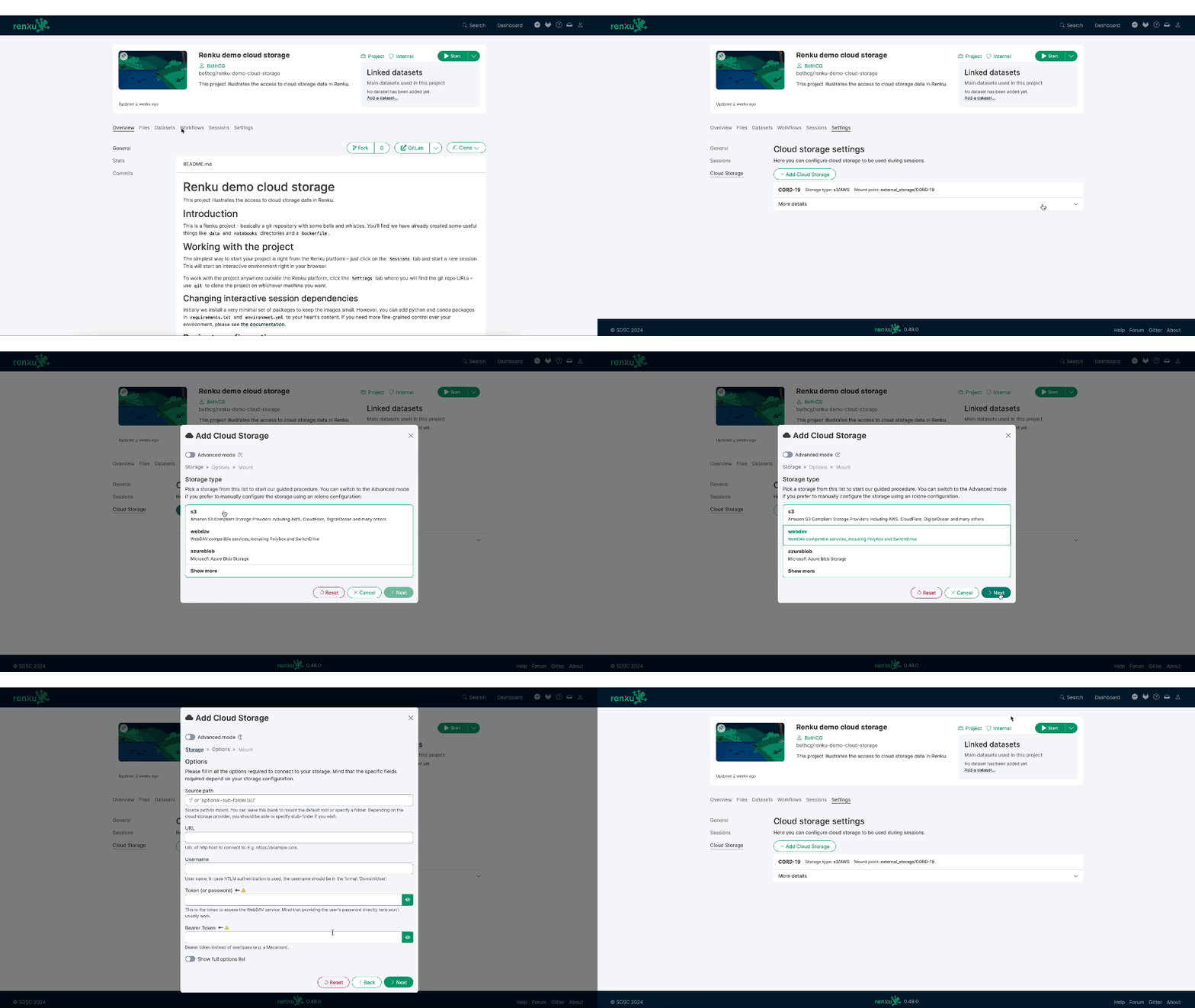
To add cloud storage to your Renku project, go to your project's Settings and find the new Cloud Storage tab. Check out Renku documentation for more details on how to configure cloud storage for your project.
If you use SSH sessions via the CLI, you can use cloud storage there too. You just need to configure cloud storage for your project on RenkuLab.io, and those storages will be mounted in your remote session.
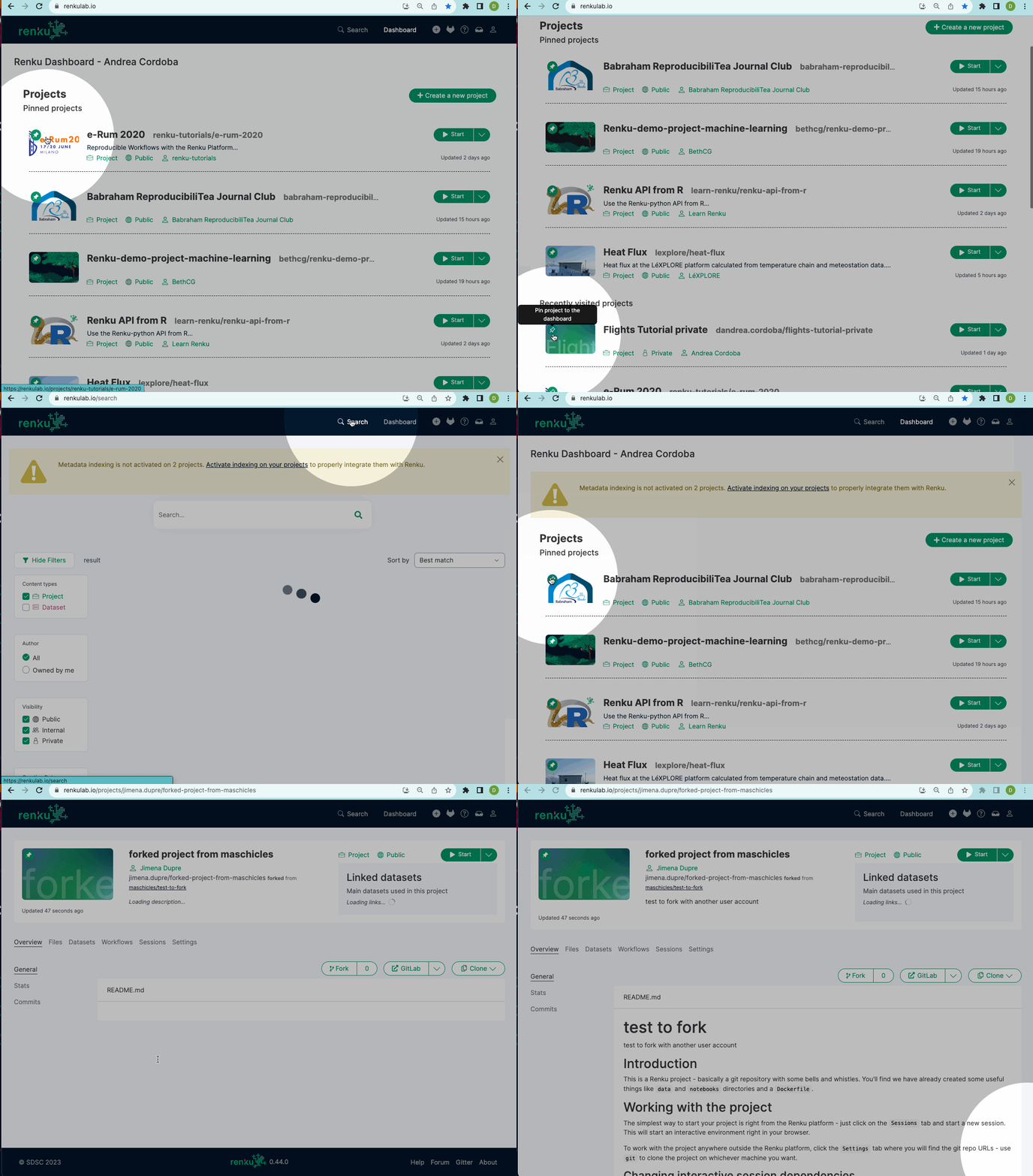
Never lose track of important projects again! Pin a project by clicking the new pin icon in the top left corner of the project image. You can pin up to 5 projects, and these will stay at the top of the dashboard, above your recently viewed projects.
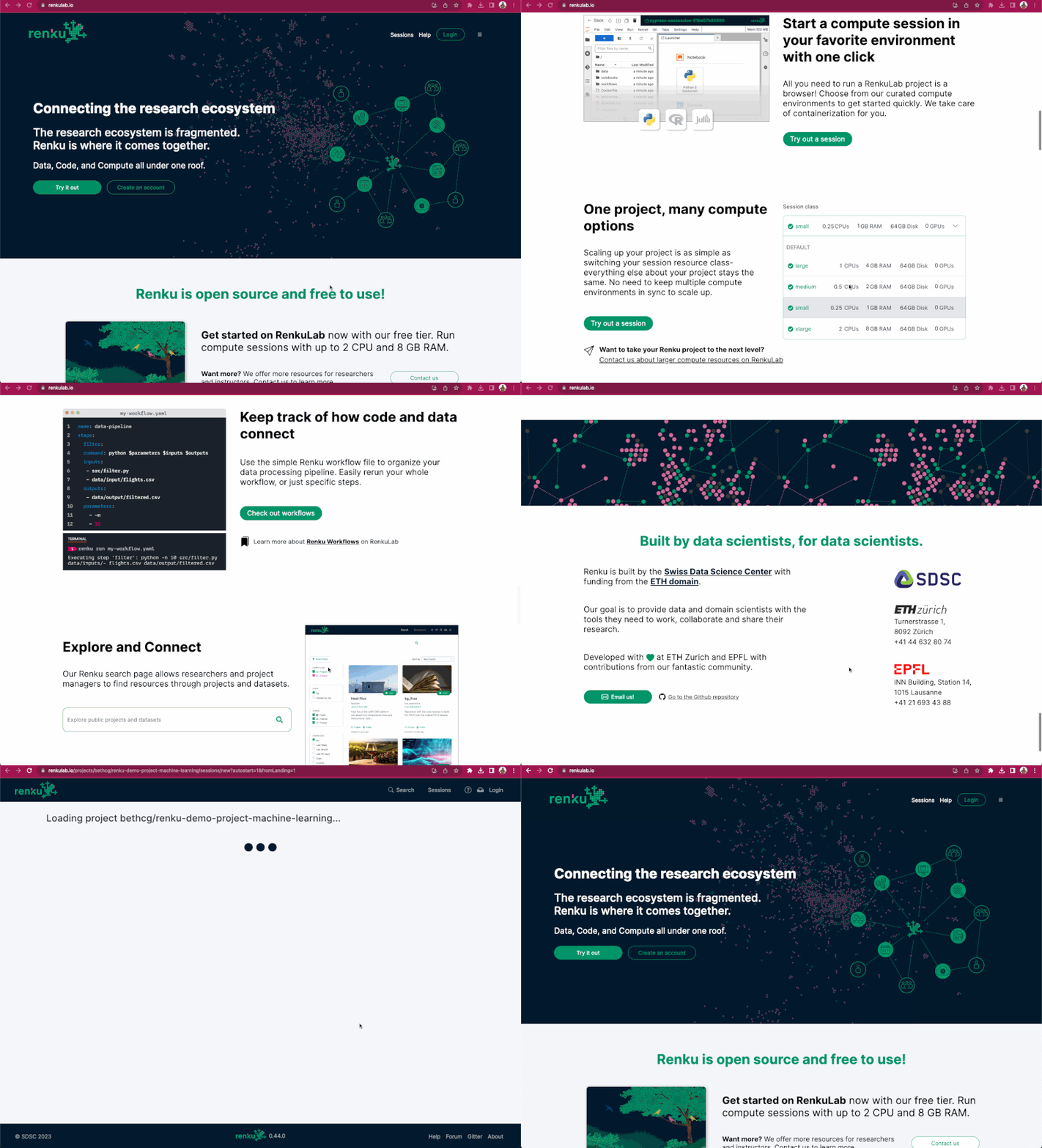
We are proud to release our completely redesigned landing page! Our new page better describes Renku and its capabilities, and features multiple entry points for getting started with the platform.

Renku allows you to work either locally with the Renku CLI or directly in the cloud with RenkuLab. What if you wish to continue working in your local environment, but do not have adequate compute resources on your machine? An SSH session on RenkuLab can help you there: you can develop code on your computer and run it in the cloud with SSH sessions. One of the motivations to work locally and execute in the cloud is to be able to work from your favorite IDE while accessing additional compute resources. In this post, we discuss: